Includes three complete, independent skill folders with their required references. Use a folder on its own or install all three through the features available in your AI assistant. The MapleWorks demonstration is not included.
Quick Teaching Prompts
Ready-to-use prompts to copy into your AI assistant and adapt to your course.
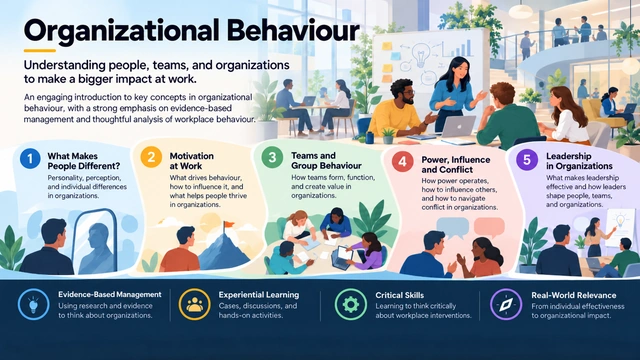
Course Infographic Designer
Turn a course outline into a visual introduction to what students explore and how they learn.
Use an AI assistant with image-generation capability and provide a course outline you have permission to share. Review the generated image and wording against your syllabus.
Read and copy the prompt
You can also select the text and copy it using your keyboard or device controls.